
View by Font Size
To view font size details on your packaging artwork, ensure the filter is set to font size before proceeding with the following steps:
Click on any one of the size to highlight all the text with that size
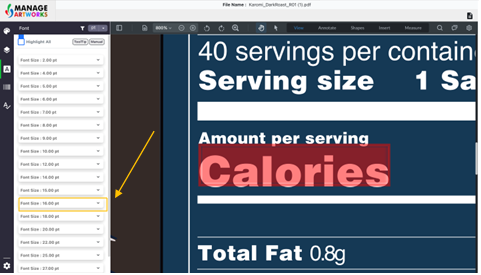
Click on the drop down beside the text size to know the font style
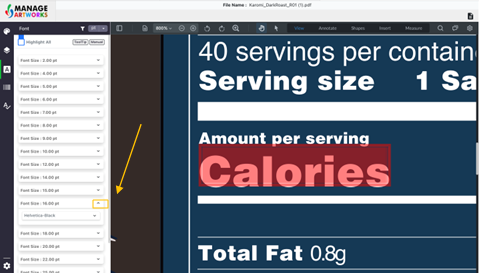
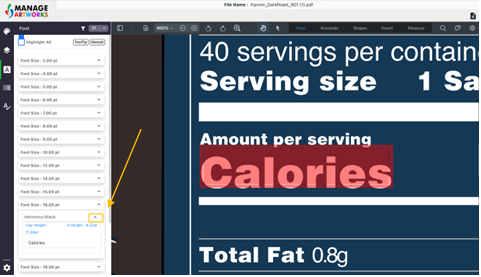
Further, click on the drop-down beside the font style to know the cap height and x-height of the text, with the highlighted text below it
To proofread your next packaging artwork, click here.