
Insert Signature
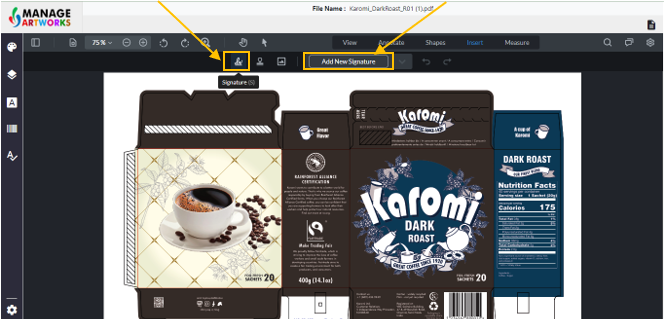
Click on ‘Signature’
Click on ‘Add new Signature’
Draw – Let's you create a signature and add it to the file
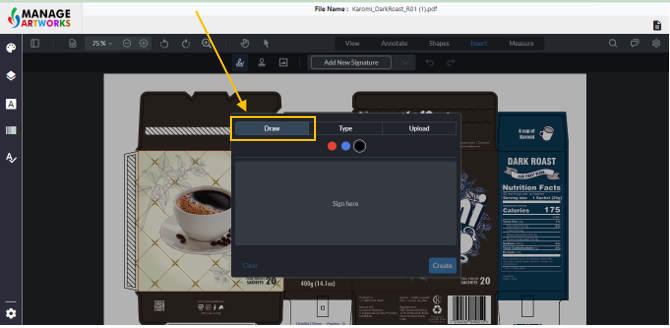
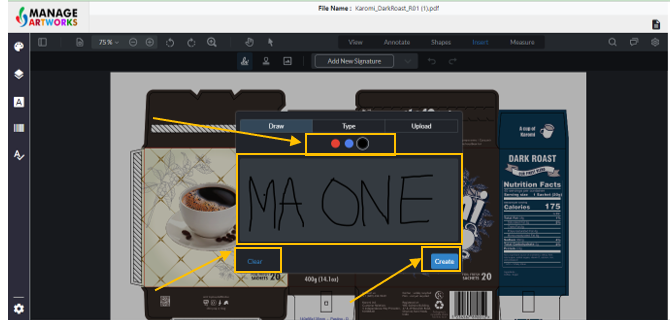
Click on the grey area and draw your signature in it
You can change the color to red, blue or black
Click on Clear to clear the screen
Click on create to add the signature
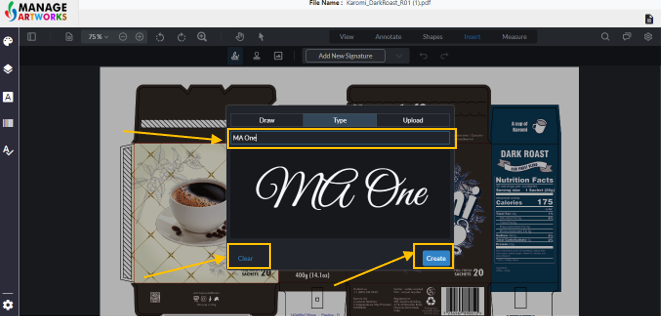
Type – Type a signature and add it to the artwork
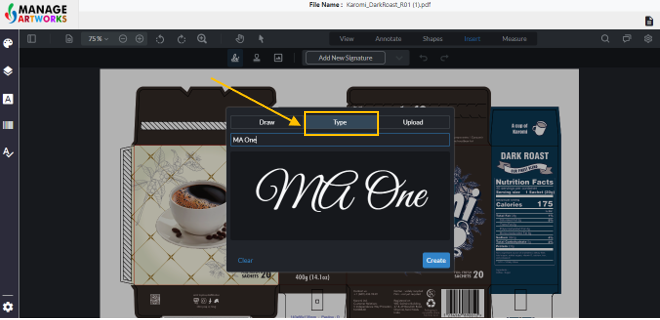
Type the Signature
Click on Clear to clear the screen
Click on create to add the signature
Upload – Upload a signature from your system
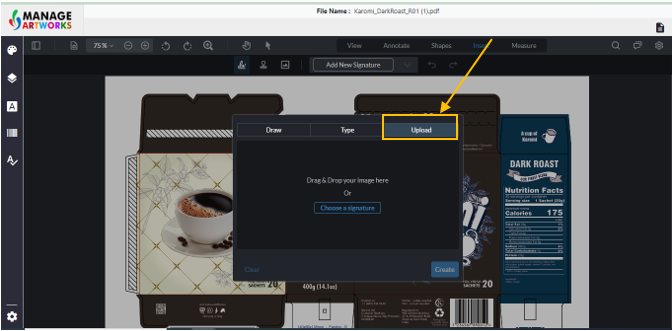
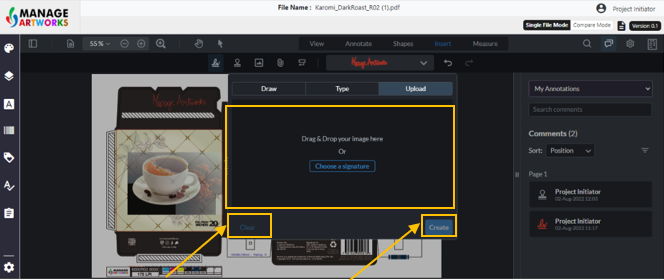
Drag and drop the signature in the grey box or upload it
Click on Clear to clear the screen
Click on create to add the signature
Click anywhere on the screen to place the signature
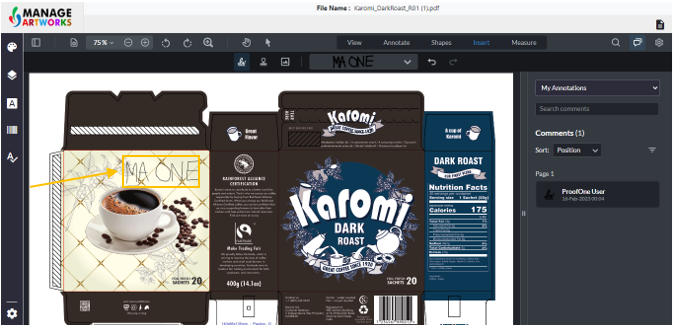
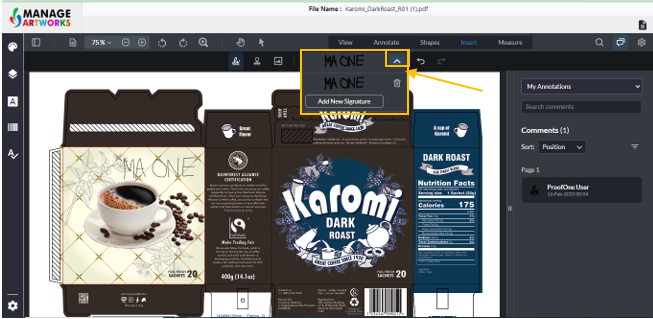
Click on the drop down beside the signature to add new signatures or delete the added ones
To proofread your next packaging artwork, click here