
Manual Spellcheck
The Spell Check tool lets you check spellings on your packaging artwork in more than 35 languages.
For packaging artworks that have multi-lingual text, choose the Manual spell check option.
To perform the spell check manually, select the ‘manual’ option and select the language in which you want to check the file from the drop-down box.
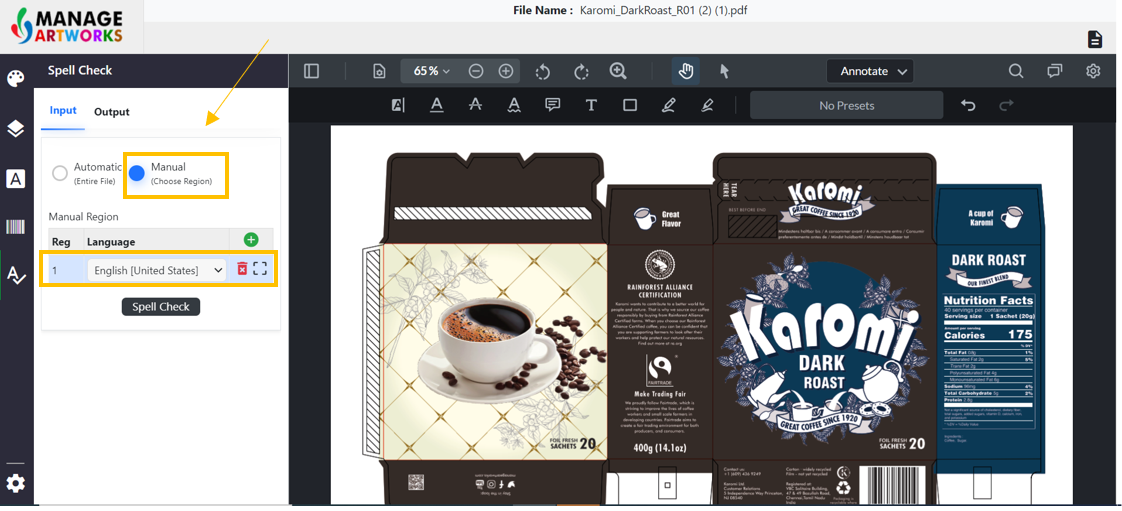
Click here to map the region for the selected language on the artwork.
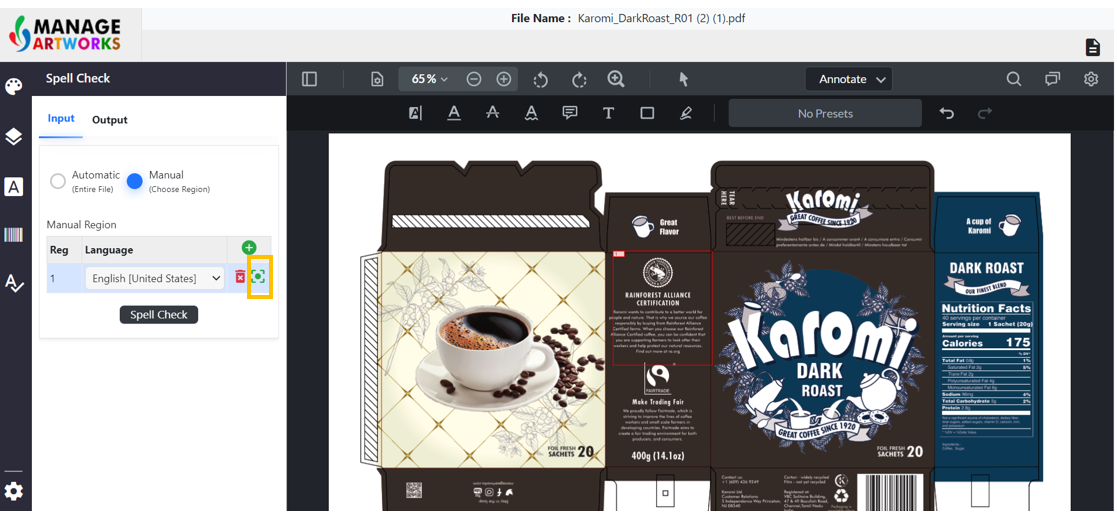
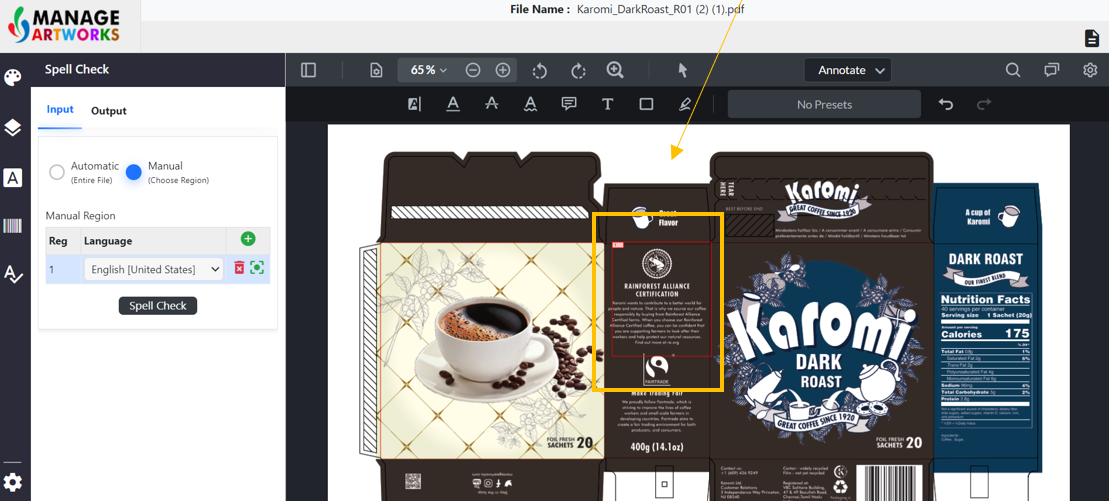
Using the cursor, select the region you want to perform the spell check.
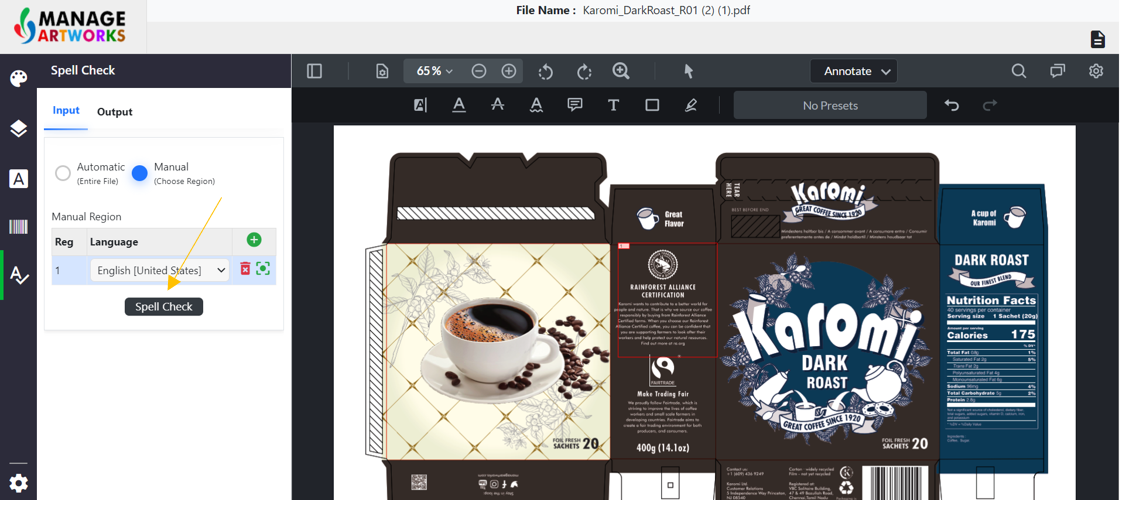
Now, click on the “Spell-check” button to initiate the spell-check.
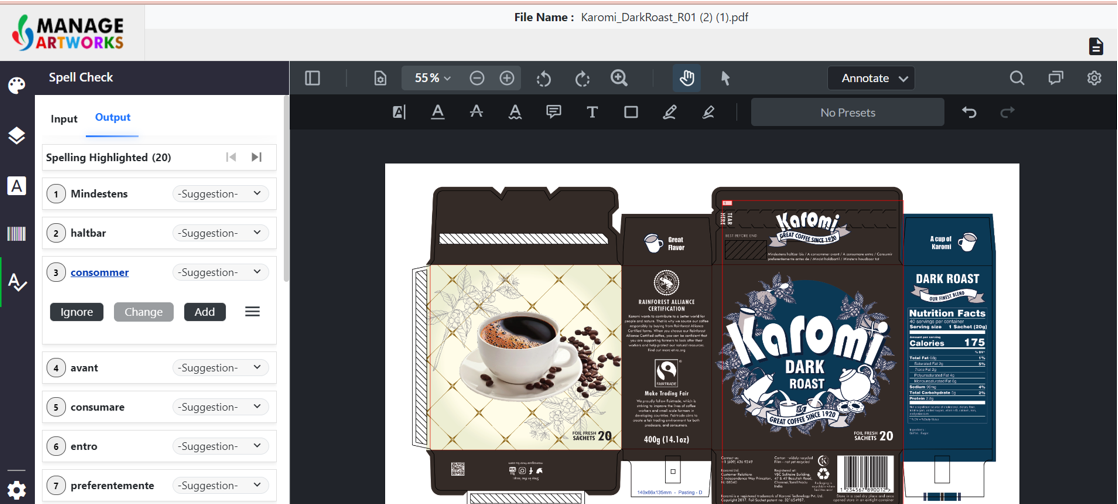
If you want to ignore/add a suggestion, use Ignore/Add options
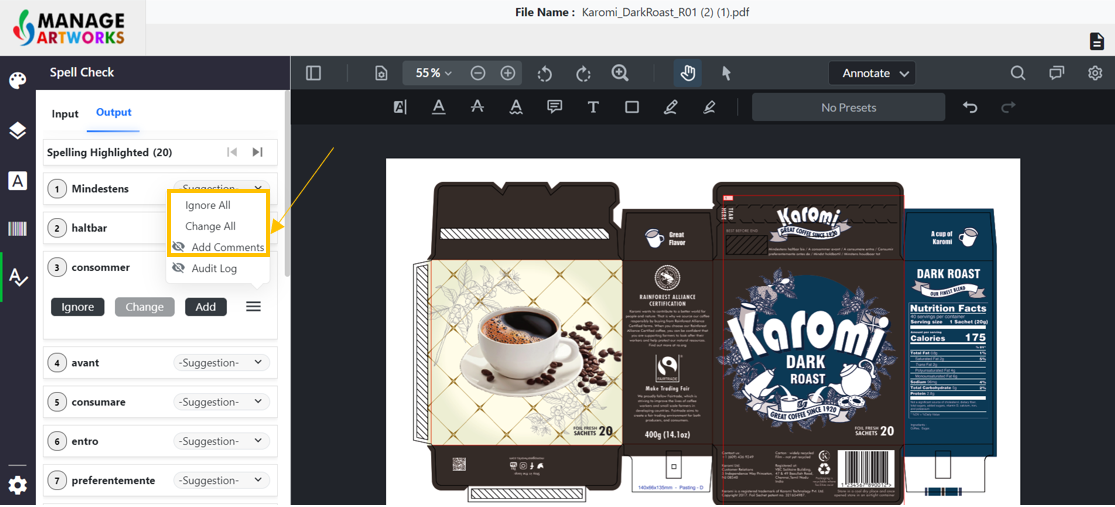
Click here to Ignore all/ change all and to add Comments
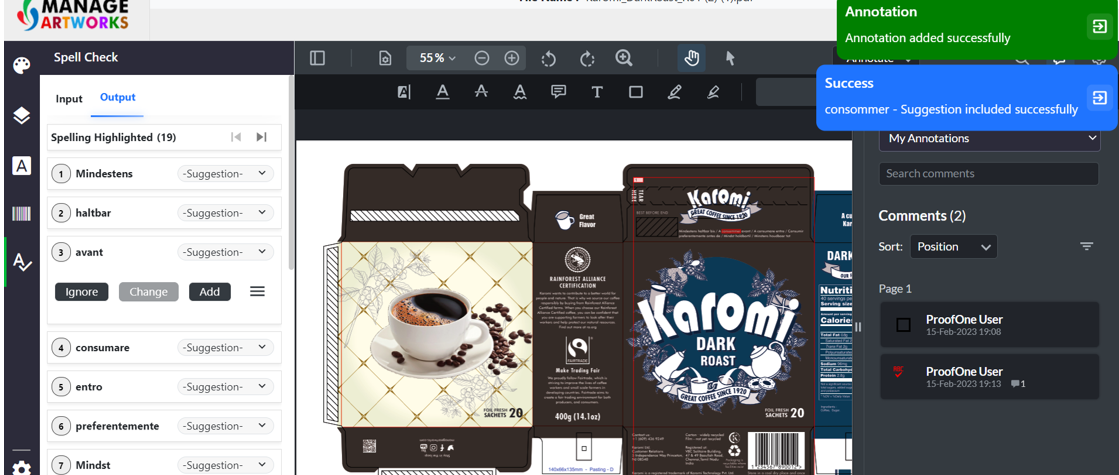
The comment you added will be visible to other users under the ‘My annotations’ panel. If you click on a particular comment, it will take you to the place in the file where the comment has been added.
To proofread your next packaging artwork, click here.