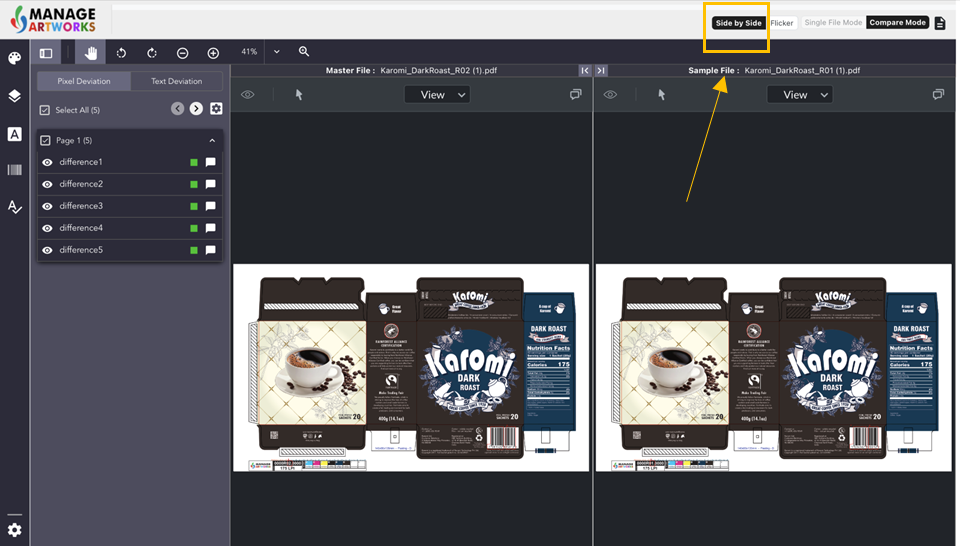
Side-by-side Comparison
Click on 'side-by-side' to compare two versions of your artwork parallel to each other.
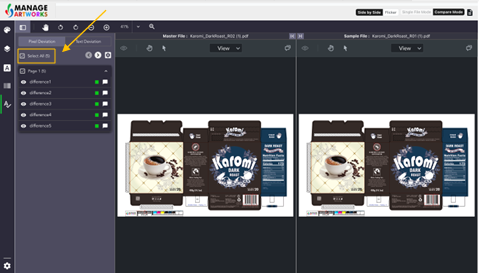
After choosing side-by-side compare, click on select all to highlight all pixel differences in your artwork.
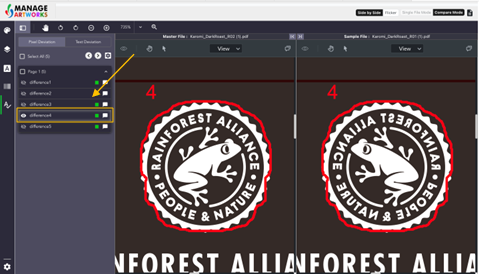
Select each difference individually to highlight them on the artwork under the side-by-side mode.
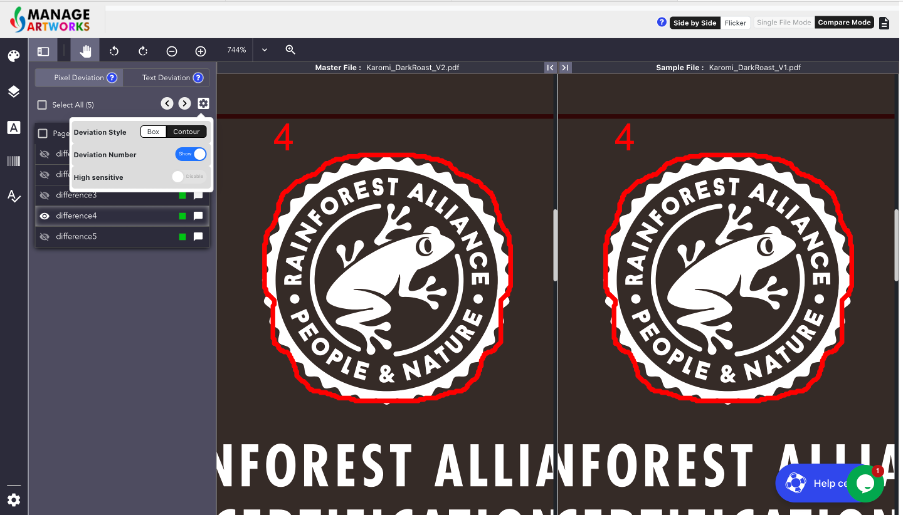
Under settings, click on
- 'Box' inside the deviation style to highlight all image differences using a box
- 'Contour' inside the deviation style to highlight all image differences precisely in red
- 'Toggle' between Deviation Number to choose to map your differences on both your versions of the artwork with a specific number
- 'High sensitivity' to choose to view even the slightest of differences including false positives
To proofread your next packaging artwork, click here.