
Edit an Annotation
'Add Comment’ lets you add additional comments to the annotation. Click on the ‘Send’ button to add the comment to the annotation
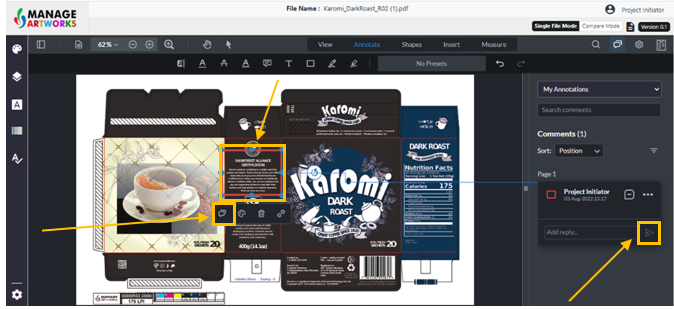
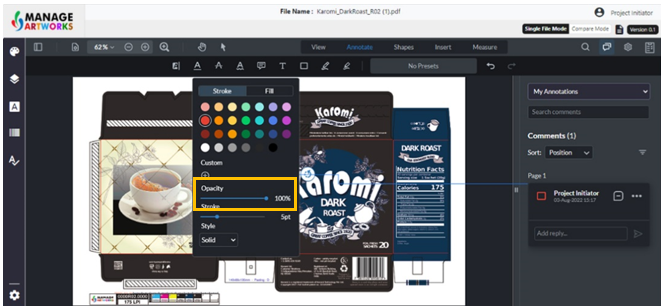
'Style’ lets you change the color of the annotation
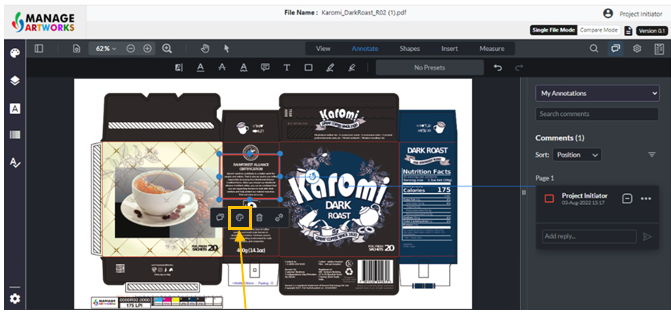
‘Stroke’ lets you change the width of the lines and shapes in the comment
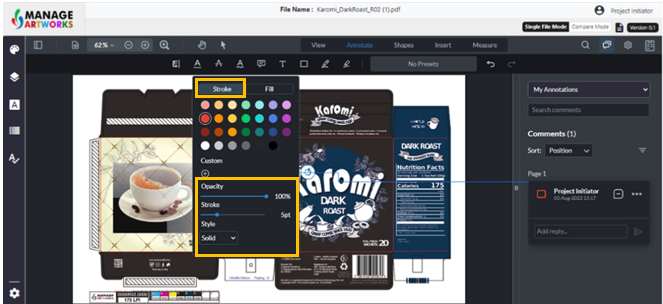
‘Fill’ lets you fill the inserted shape with a color
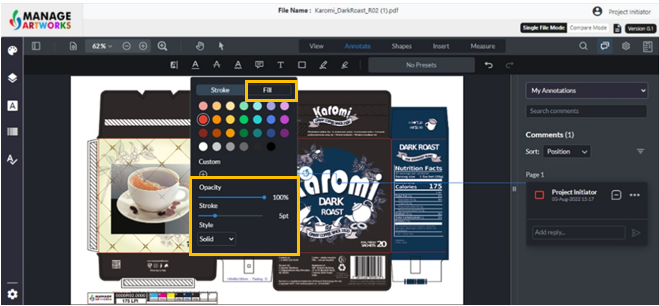
'Opacity’ lets you change the opacity of the annotation.
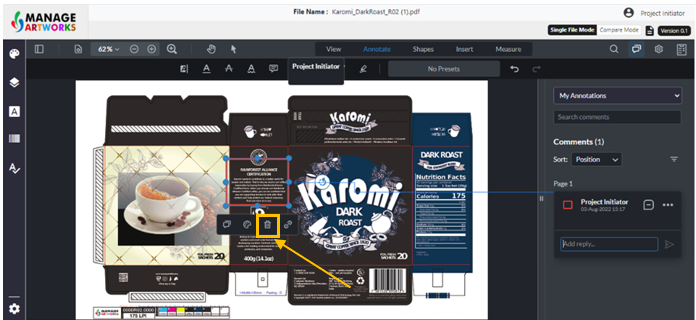
Delete lets you delete the annotation. Click on delete to delete the annotation
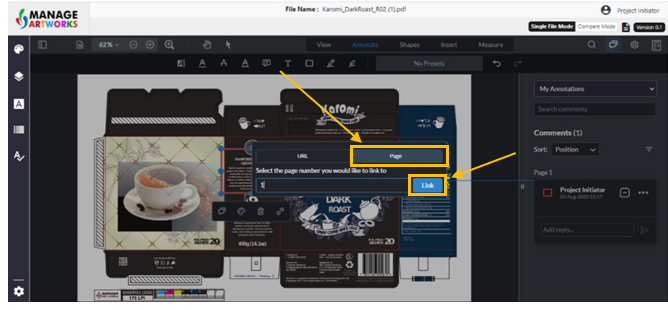
'Link' lets you add any web page or another page within the same artwork to the annotation, Click on the link
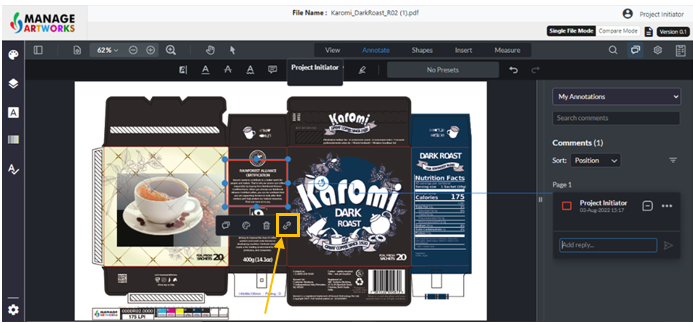
Add the respected URL
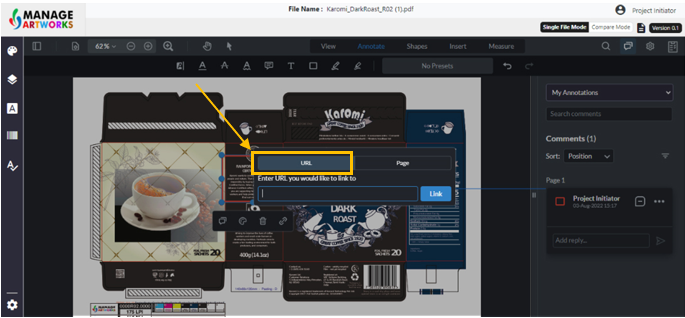
You can alternatively add the page number to be linked within the file
Click on ‘link’ once the URL or page is added
To proofread your next packaging artwork, click here