
Distance
The distance tool , lets you measure the length of any element on the packaging artwork
Click on the Distance tool
Select the color with which you want to annotate
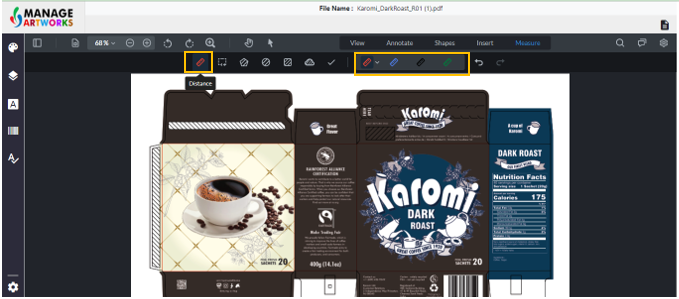
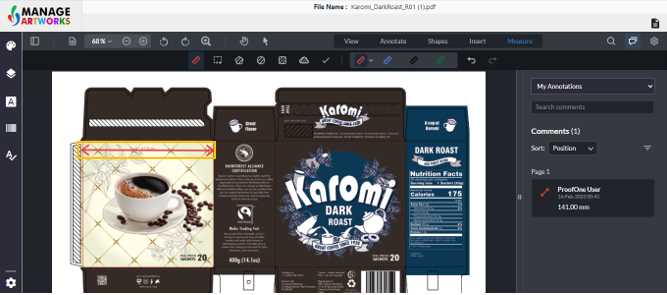
Click and Drag your mouse from one point to another to measure the distance between the two points
To get a straight line, press shift on your keyboard and move the cursor. This snaps the line at 45 degrees
To proofread your next packaging artwork, click here