
Insert Stamps
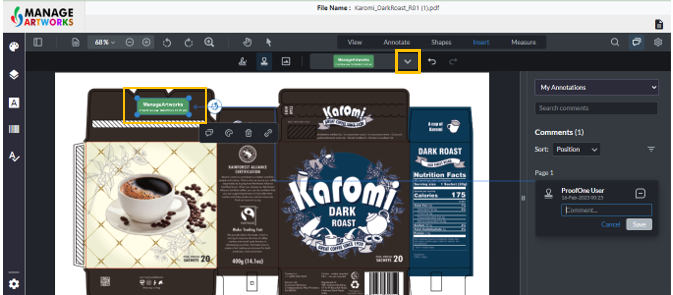
Click on stamp
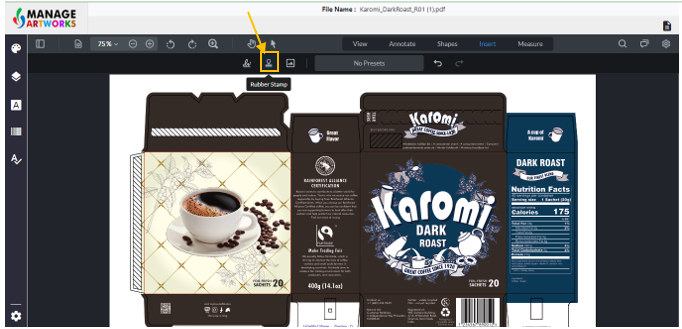
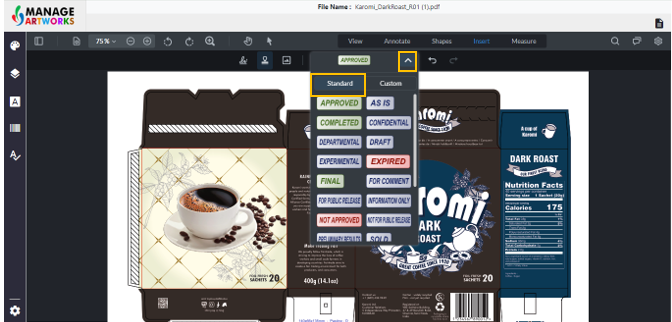
Click on the drop down from the box to select standard stamps
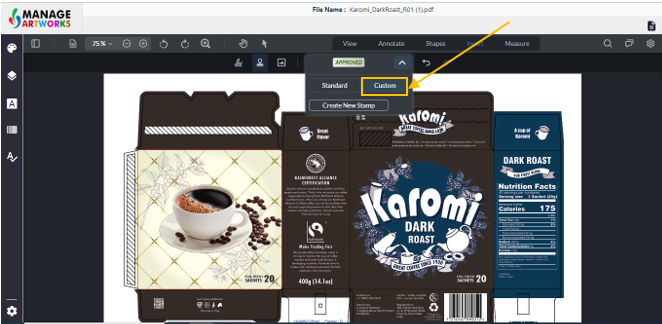
Click on ‘Custom’ to create your own stamp
Click on “Create new Stamp”
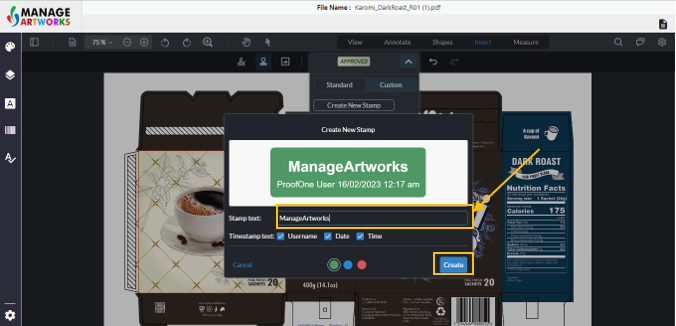
A dialogue box opens, add the text you want.
You can choose to remove/add timestamps and username
Click on “create” to create the stamp.
Click anywhere on the screen to place the stamp
To add more stamps, click on the drop down
To proofread your next packaging artwork, click here