
Color Analysis Tool for Packaging Artworks
The Color Analysis tool helps you analyse the colors used on the packaging artwork
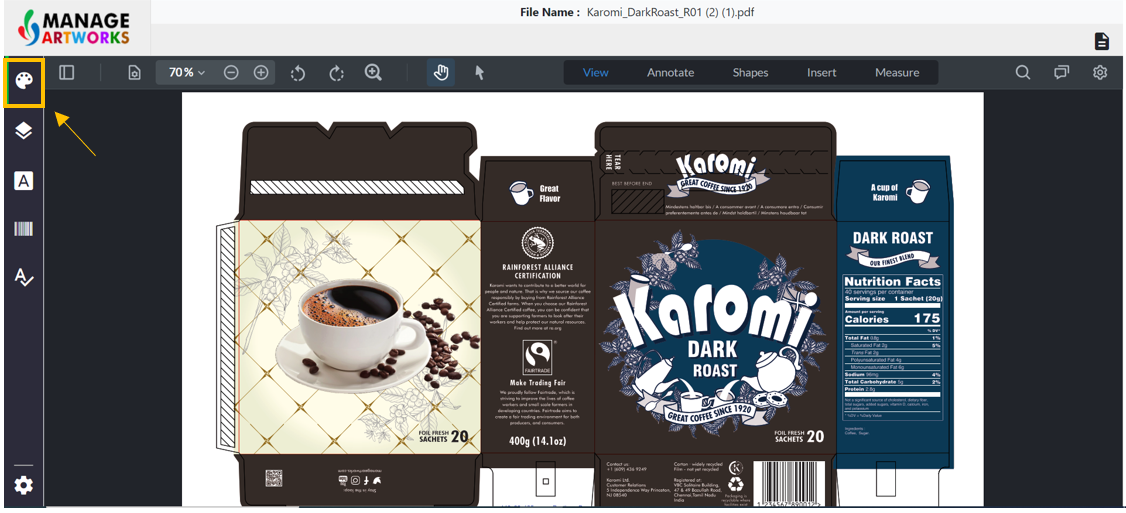
Select the color analysis tool on the screen’s left panel
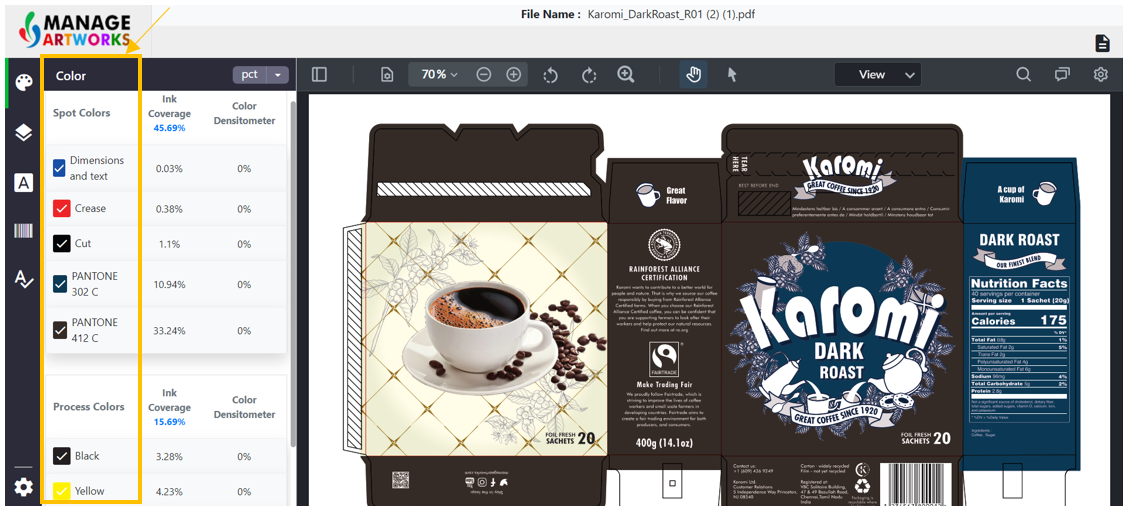
The color analysis tool displays the Spot and Process colors used in the artwork seperately.
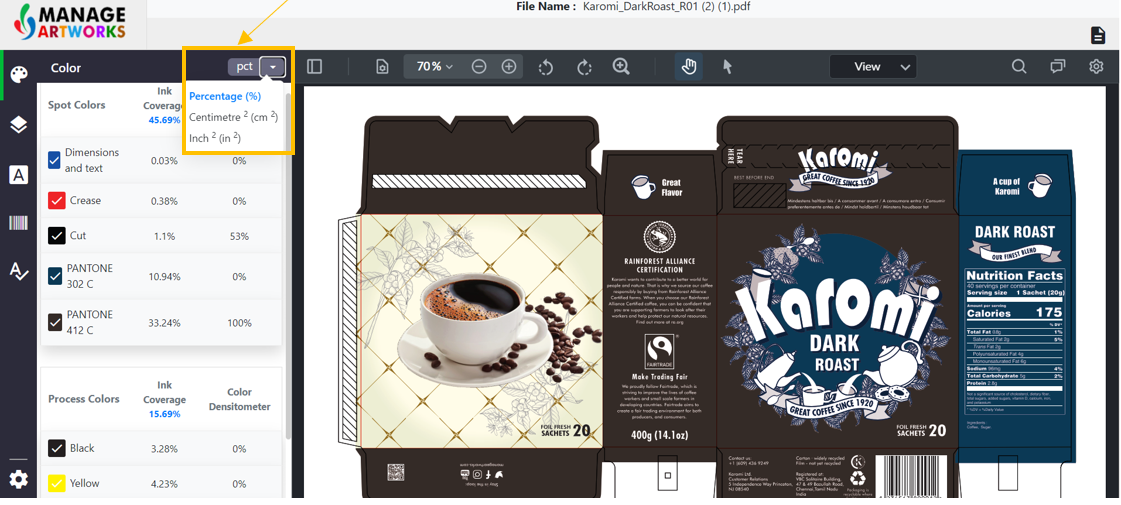
By default, the measurements will be in percentage. To change this, click on the drop-down beside percentage to change the unit of measure.
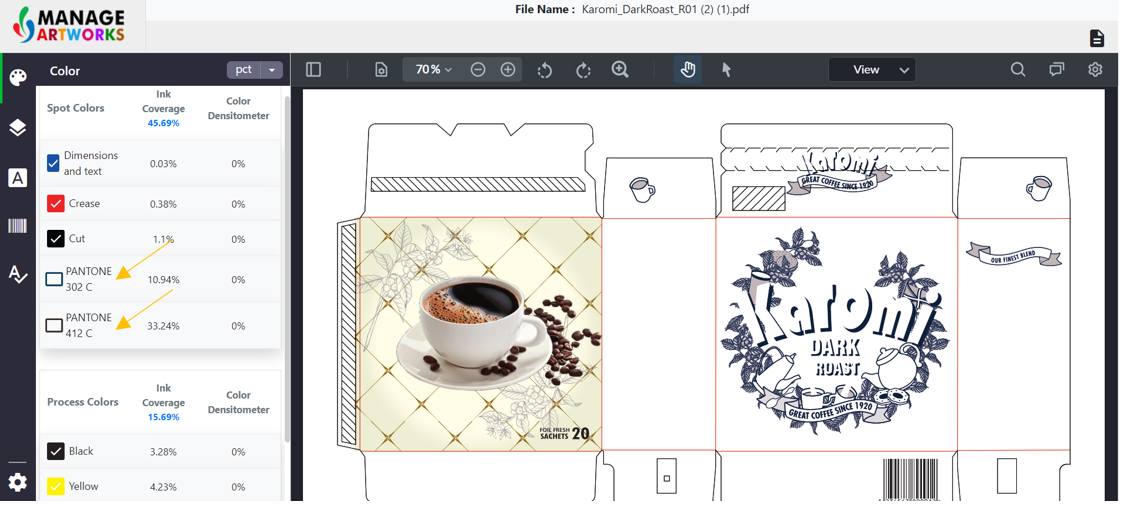
The user can check and uncheck each color to separate them on the artwork.
To proofread your next packaging artwork, click here.