
Manual
Using the ‘Manual’ function you can find the text height and width for each letter within the highlighted area. This comes in handy for curved files.
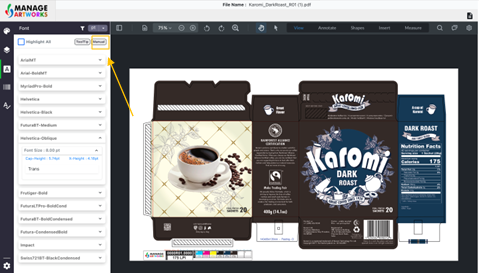
To use “Manual” function, click on manual
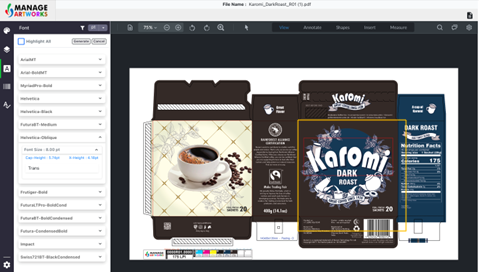
Create a box using the mouse on the text you want to analyze
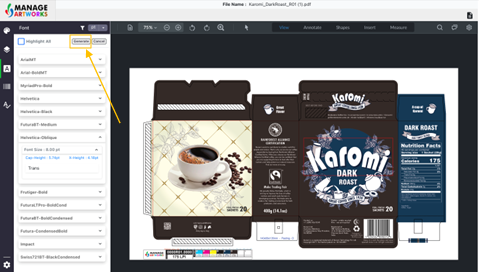
After selecting the area click on ‘Generate’ to analyze the selected text
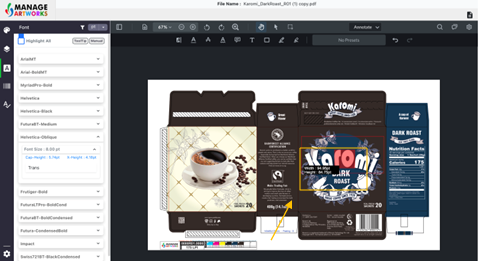
Hover over the text you highlighted to get the height and width of the text
To proofread your next packaging artwork, click here.