
Tool Tip
The ‘Tool Tip’ functionality enables the user to hover over the text to find the font information of a particular text.
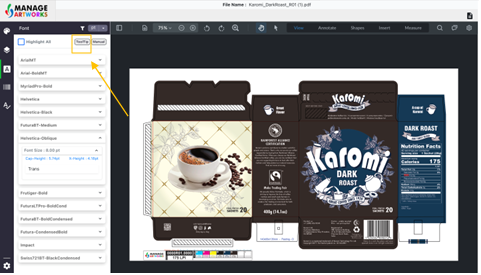
To use ‘Tool Tip’
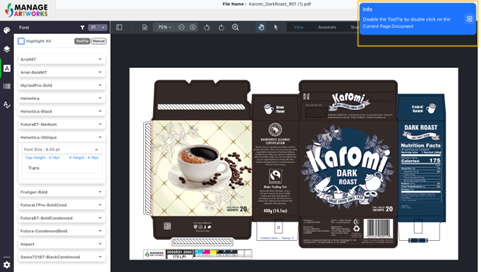
Click on tool tip, a pop will appear on the screen confirming the tool is enabled
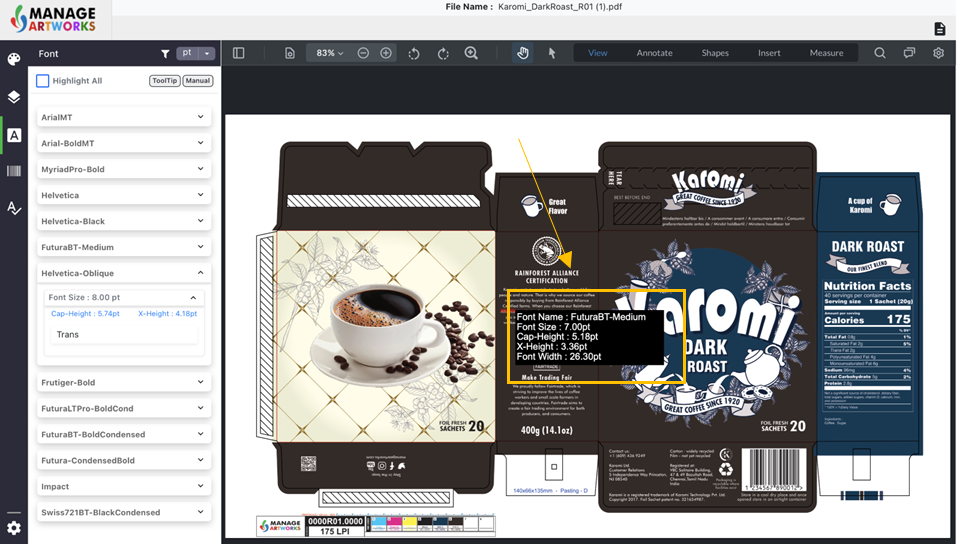
Next, hover the mouse over the text you want to analyze the text size, style, cap height, x-height, and width of the text
Double click on the screen to disable tool tip
To proofread your next packaging artwork, click here.