
Actions on Comment
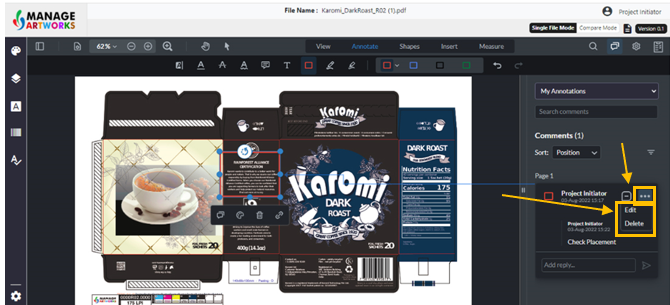
Every time you annotate, it will be recorded on the right panel along with the username, timestamp and comments.
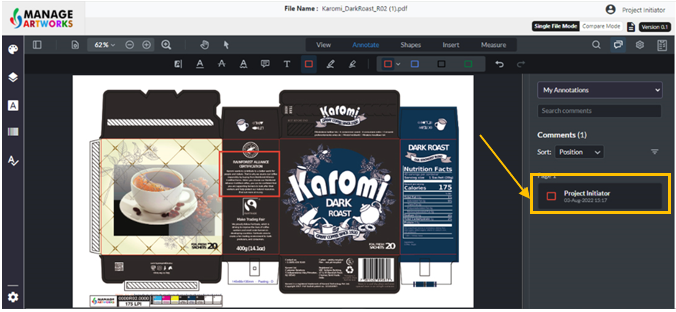
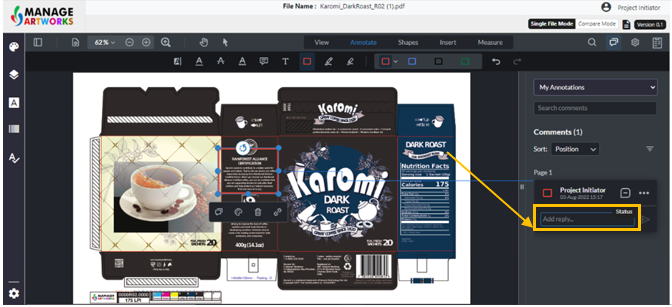
Select the annotation to make any additional comments.
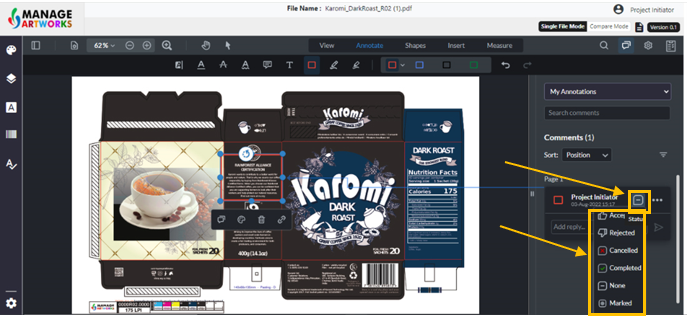
Select the status of each comment
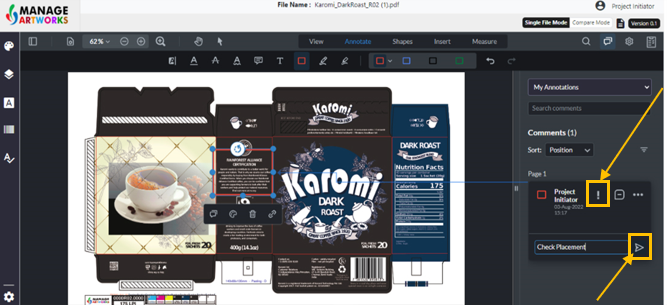
Click on the save icon to save the comment.
The exclamation point on the comment indicates that the comment is yet to be posted
Click on ‘More’ or the horizontal icon to edit or delete the comment
To proofread your next packaging artwork, click here