
Insert Image
Click on ‘Image’
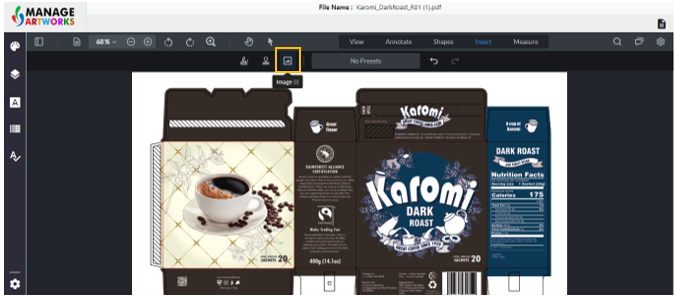
Click on the screen where you want to place the image. A dialogue box will open. Select the image and click on open.
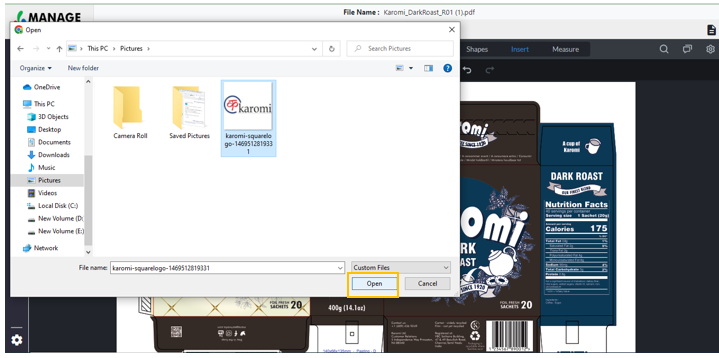
The image is added to the artwork.
To add more images, click on 'Image'
To proofread your next packaging artwork, click here