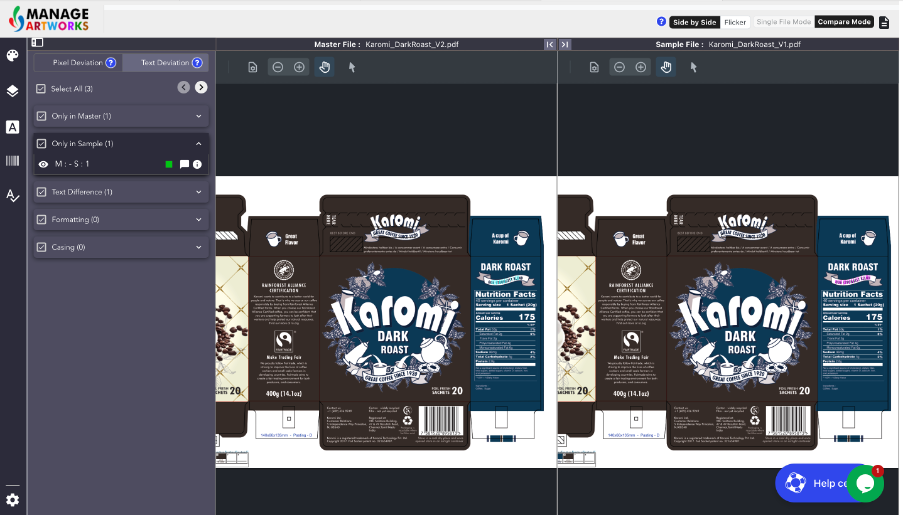
Highlight Specific Differences
Select each difference individually to highlight them on the artwork.
- Only in Master: Highlights texts on your artwork that is found only in the master artwork.
- Only in Sample: Highlights texts on your artwork that is found only in the sample artwork.
- Text Difference: Highlights any text differences found in comparing both artwork versions.
- Formatting: Highlights text formatting differences in your artwork if any.
- Casing: Highlights texts if the casings on both your artworks are different.
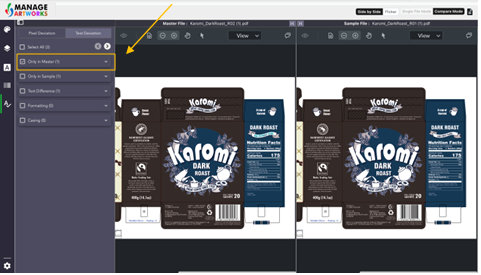
The info icon under each section highlights exactly what the difference between your artworks are by picking out that particular text for you.
To proofread your next packaging artwork, click here.