
Shapes
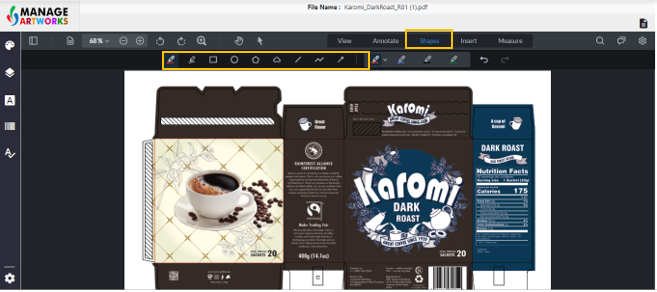
You can insert various shapes as listed below:
- Freehand drawing
- Free Hand highlight
- Rectangle
- Circle
- Polygon
- Cloud
- Line
- Polyline Arrow
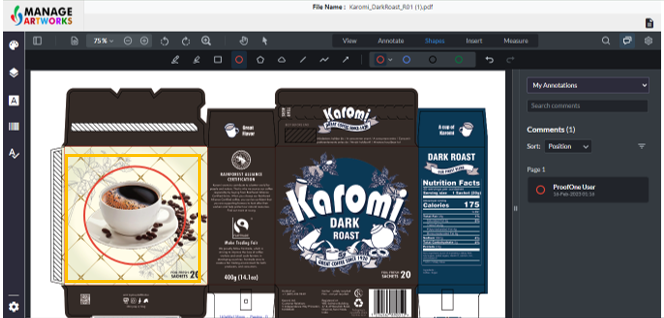
Click on the screen to start drawing the shape
Double-click to complete the shape
Press “Esc” on your keyboard to exit the tool
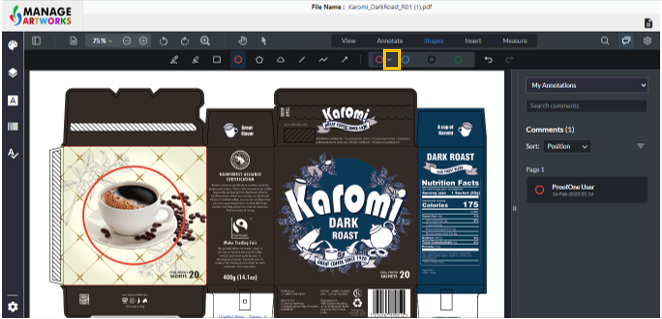
Click on the drop-down, to format the annotation
To proofread your next packaging artwork, click here